BITSCTF-2026-Writeups
Queen Roselia’s Diamond - Steganography Challenge
Challenge Overview
A sophisticated steganography challenge involving a 64-bit floating-point TIFF image with multiple hidden layers, including a decoy QR code and a fragmented flag hidden in visual noise.
Category: Steganography / Forensics
Difficulty: Hard
Solution Walkthrough
Step 1: Initial Reconnaissance
First, I checked the metadata and ran strings on the .tif file. exiftool showed it was a 64-bit floating-point TIFF image.
exiftool challenge_stego.tif
strings challenge_stego.tif
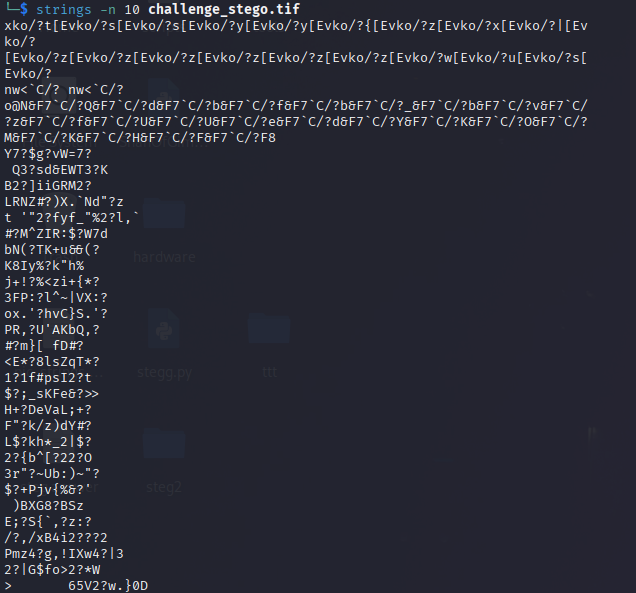
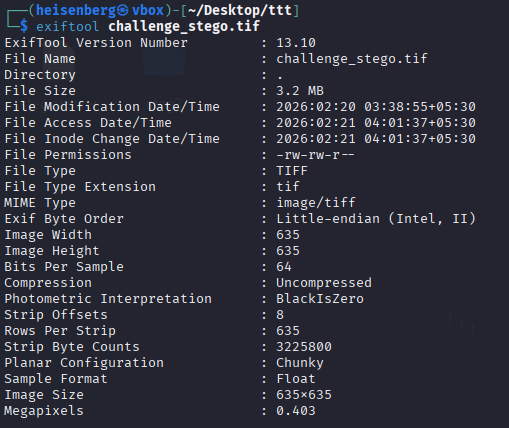 Image 2: strings command output showing garbage data
Step 2: Extracting Layers (Python)
Since standard image viewers can’t handle 64-bit floats properly, I used a Python script to extract the 8 individual byte layers from the raw data.
sl8.py:
import numpy as np
from PIL import Image

width, height = 635, 635
offset = 8

with open('challenge_stego.tif', 'rb') as f:
    f.seek(offset)
    raw_data = np.fromfile(f, dtype='d', count=width * height)

data_matrix = raw_data.reshape((height, width))
byte_view = data_matrix.view(np.uint8).reshape(height, width, 8)

for i in range(8):
    layer = byte_view[:, :, i]
    if np.max(layer) > np.min(layer):
        enhanced = ((layer - np.min(layer)) / (np.max(layer) - np.min(layer)) * 255).astype(np.uint8)
    else:
        enhanced = layer
    Image.fromarray(enhanced).save(f'layer_{i}_enhanced.png')
python3 sl8.py
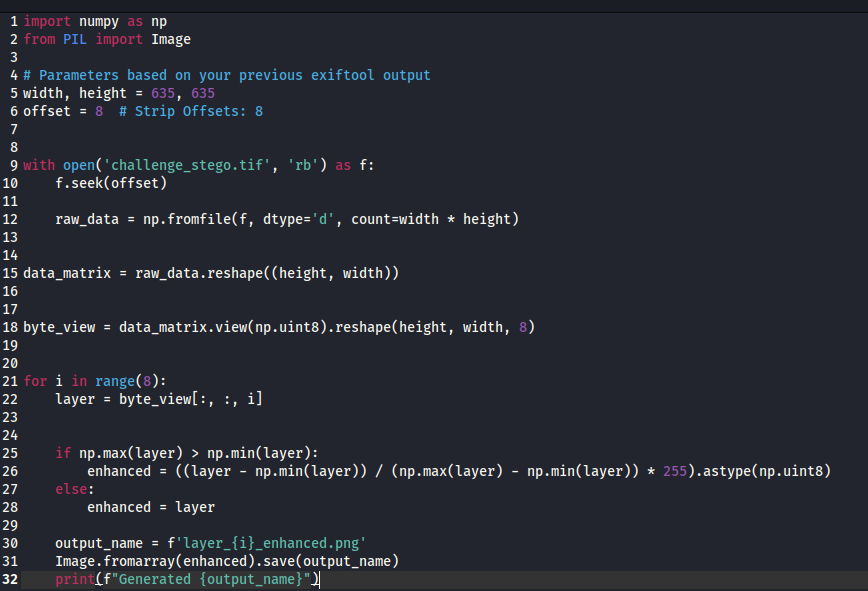 Image 3: Python script terminal output
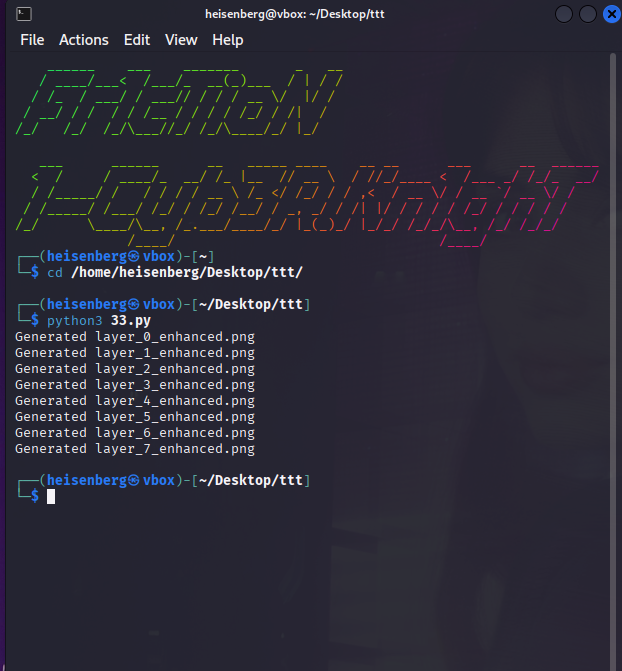
Image 4: Extracted layer folder screenshot

Step 3: The Decoy
Looking through the extracted layers, one of them contained a QR code. I enhanced it to make it scannable.
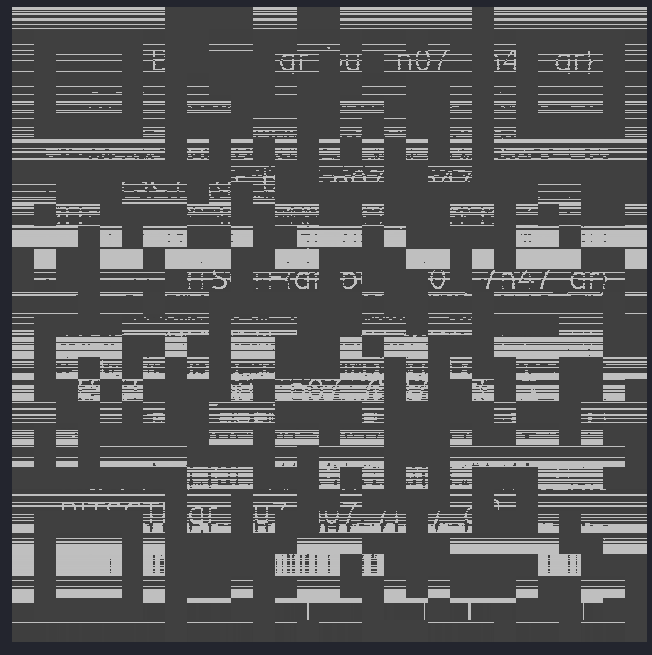 Image 5: Enhanced QR code image
Scanning this QR code resulted in a fake flag - a clever decoy!
fake flag = BITSCTF{blud_REALLY_thought}
Step 4: Finding the Real Flag
The real flag was hidden in the visual noise of layer 7. I opened layer_7_enhanced.png in GIMP and adjusted the Color Threshold to isolate the bright white text fragments from the gray QR code background.
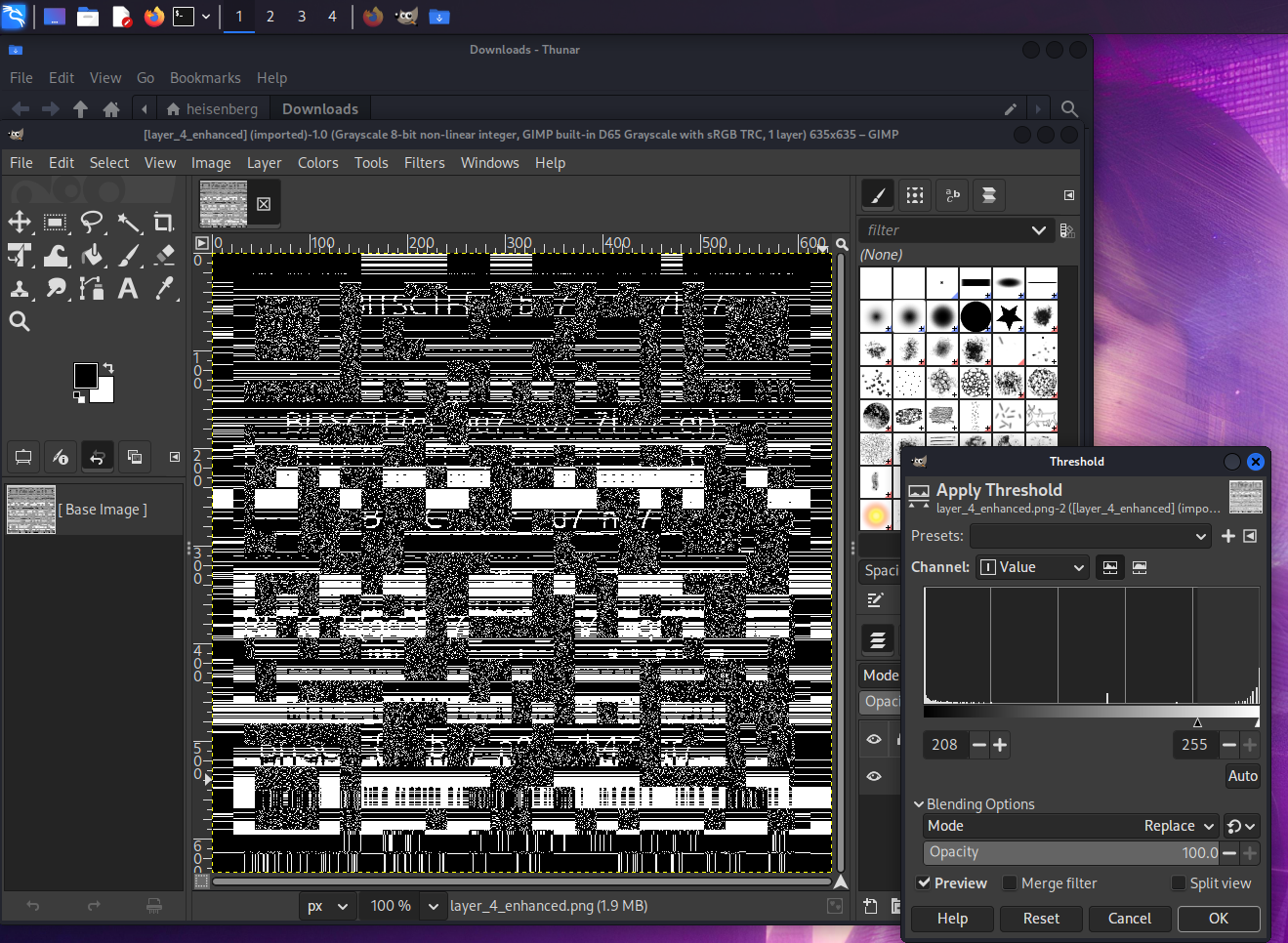 Image 6.1: GIMP screenshot - Color Threshold adjustment
 Image 6.2: GIMP screenshot - Revealing flag part
Image 6.3: GIMP screenshot - Revealing flag part
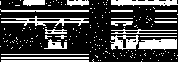
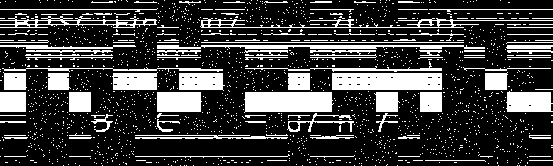 Image 6.4: GIMP screenshot - Revealing flag part
Step 5: Reconstructing the Flag
The text was fragmented and sheared. I pieced the visible parts together and had to guess the missing bu7 part based on the leetspeak context (qr_bu7_n07_7h47_qr).
 Image 7: Final flag constructed in text editor
The Flag
bitsctf{qr_bu7_n07_7h47_qr}
Tools Used
exiftool- Metadata analysisstrings- String extraction- Python (NumPy, PIL) - Custom layer extraction
- GIMP - Image manipulation and color threshold analysis
Key Techniques
- 64-bit floating-point TIFF analysis
- Byte-layer extraction
- Decoy detection
- Color threshold manipulation
- Visual steganography
Writeup by Pranavvv